Guides · VerbaViva for iPhone
Your own audiobooks, step by step.
Short guides to adding your m4b files, keeping your place in iCloud, sorting your library with tags and freeing up space.
-
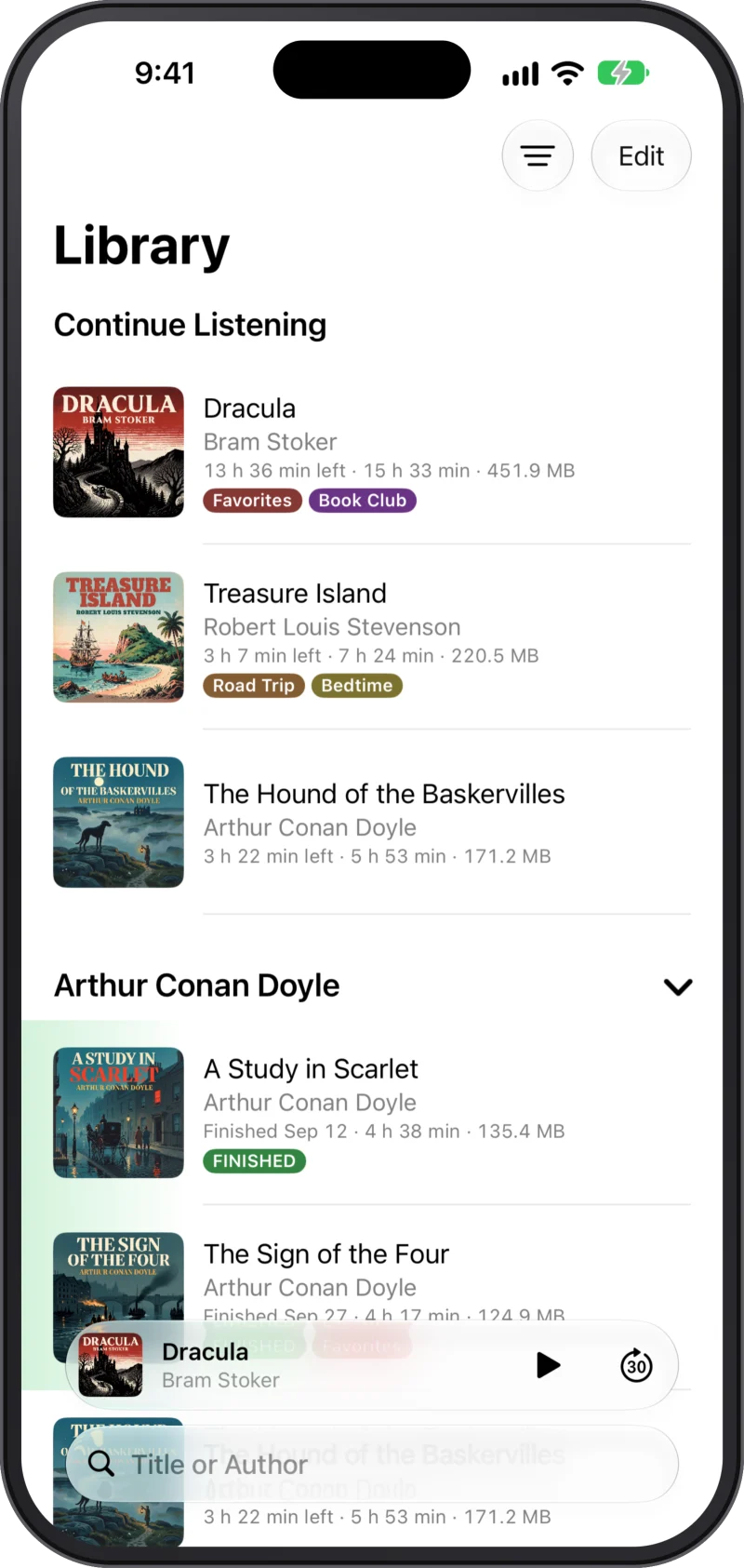
How to play m4b audiobooks on iPhone
How to get your own m4b audiobook files onto your iPhone and play them in the app.
-
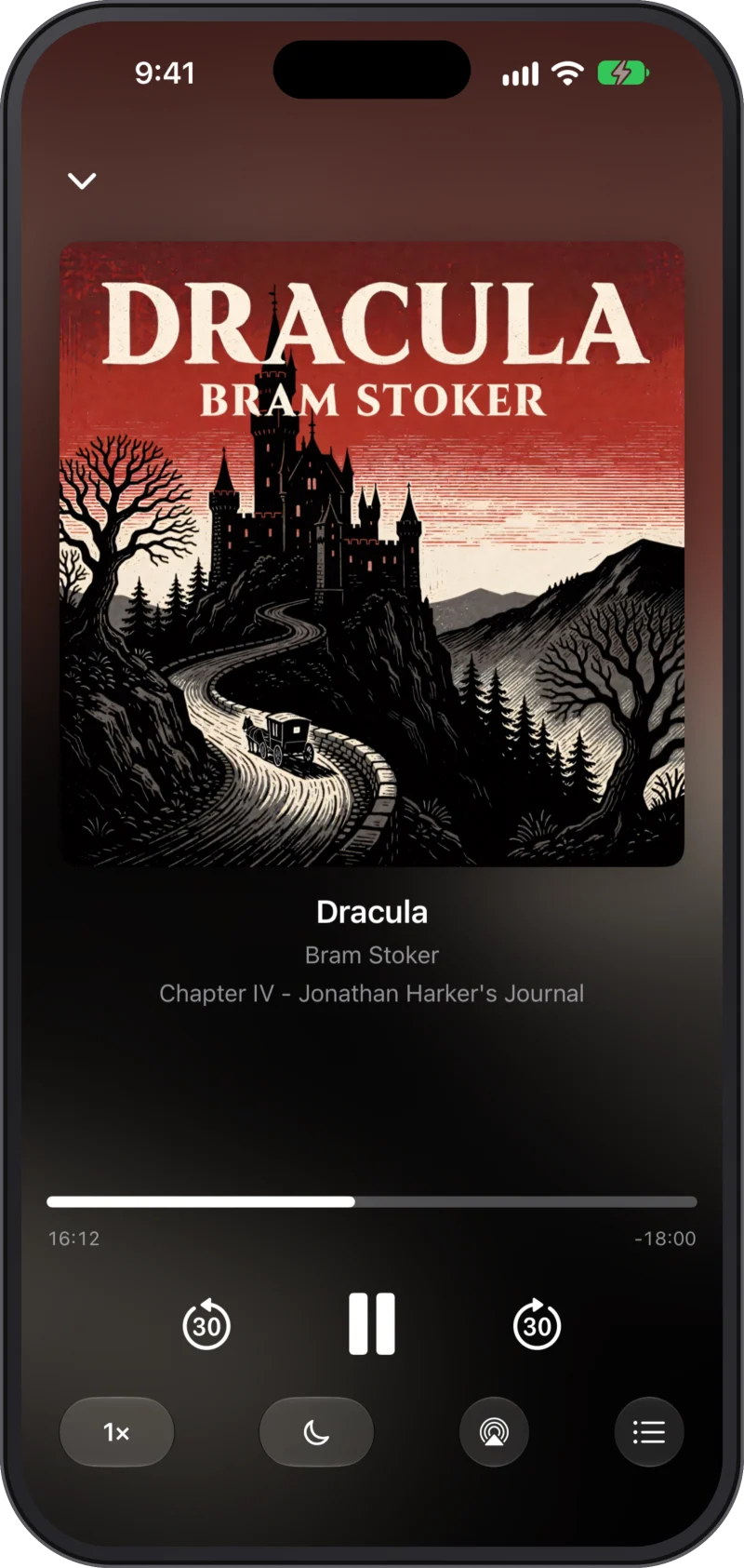
Keep your audiobooks and your place in iCloud
Where your audiobook files and your listening progress live, and what happens on a new or second iPhone.
-
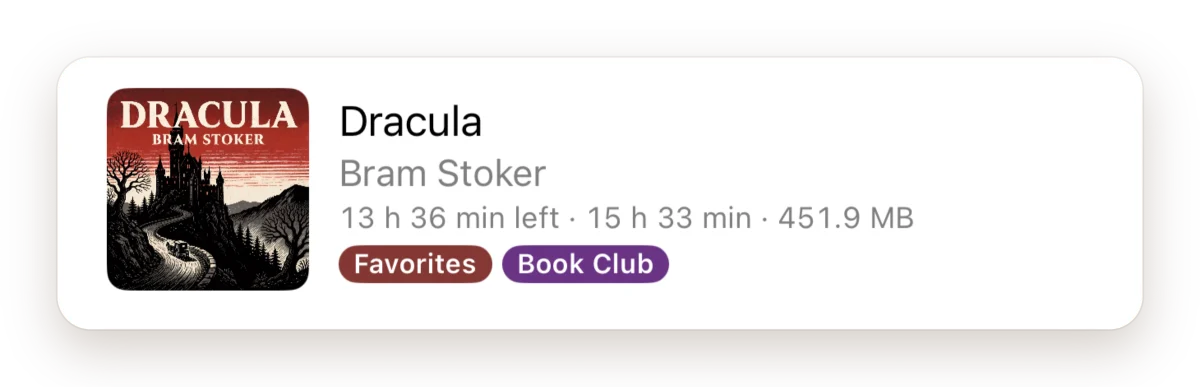
Organise your audiobooks with tags on iPhone
Give your audiobooks your own coloured tags and filter your library by them — for the commute, the kids or the next listen.
-
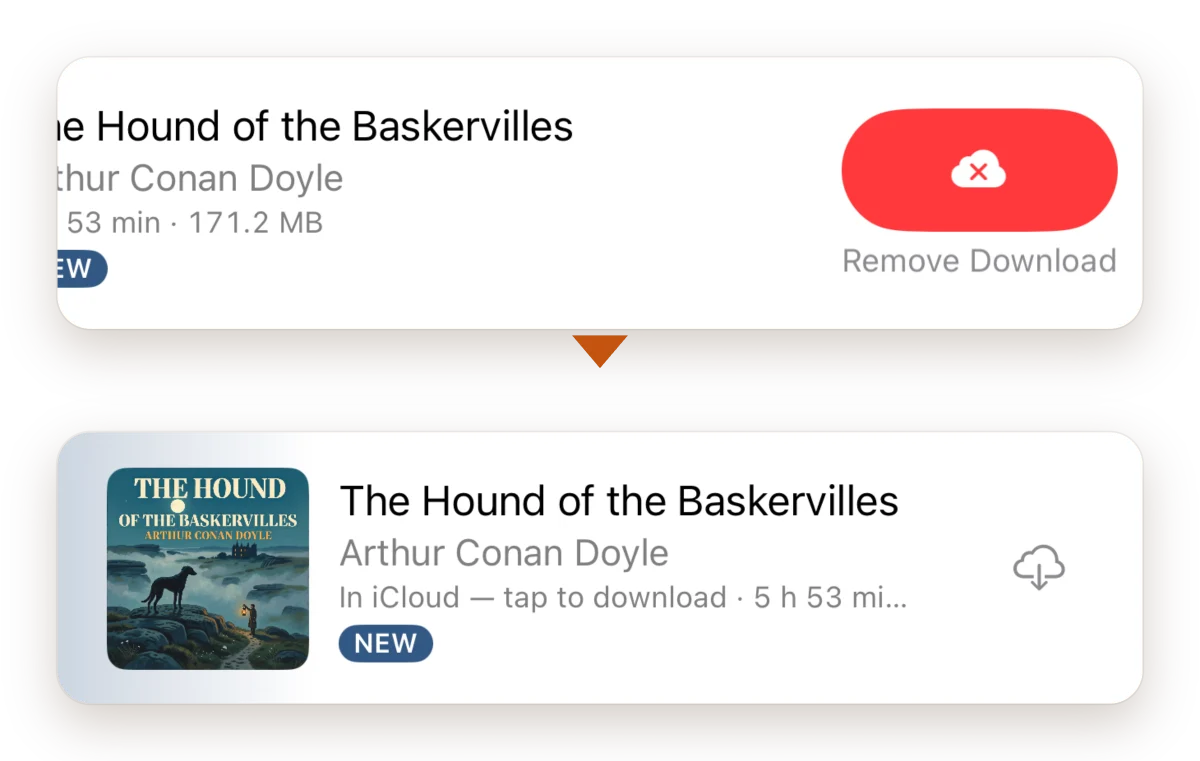
Free up iPhone space without losing your audiobooks
Remove an audiobook's download to free space on your iPhone. It stays in iCloud Drive, and one tap brings it back.


Your books, your place, your iCloud.
VerbaViva is a small, private way to listen to the audiobooks you already have.
Coming soon to the App Store for iPhone.